
Download BullGuard Internet Security – antivirus, malware protection, online security, PC protection, digital safety
Overview
BullGuard Internet Security is a comprehensive protection system designed to secure your PC against a multitude of online threats, including viruses, trojans, and spyware. The software aims to provide robust digital safety by defending against evolving cyber risks through continuous monitoring and real-time threat detection. Its primary purpose is to safeguard user data, maintain system integrity, and ensure uninterrupted productivity on Windows-based devices. This makes it particularly relevant for individuals and small businesses concerned about online security in an era of frequent cyberattacks.
Target users include home users, remote workers, and anyone managing sensitive personal or professional information on their computers. The app addresses common concerns such as identity theft, data breaches, and system slowdowns caused by malicious software. By offering layered defense mechanisms, BullGuard Internet Security helps users maintain control over their digital environment without requiring advanced technical knowledge.
The developer, BullGuard, is known for its focus on user-centric security solutions, though specific company background details were not provided. The software was released on July 6, 2020, and remains available in version 19.2.2.1. It operates exclusively on the Windows platform, with a file size of 434.7 MB. Its presence in the security category reflects its role in the broader ecosystem of digital safety tools, complementing other utilities by combining protection, monitoring, and data preservation in a single suite.
Key Features & Functionality
- Comprehensive Protection: The software delivers robust defense against viruses, trojans, spyware, and other malicious programs. It uses real-time scanning and heuristic analysis to detect known and emerging threats, ensuring that your system remains secure from both common and sophisticated attacks.
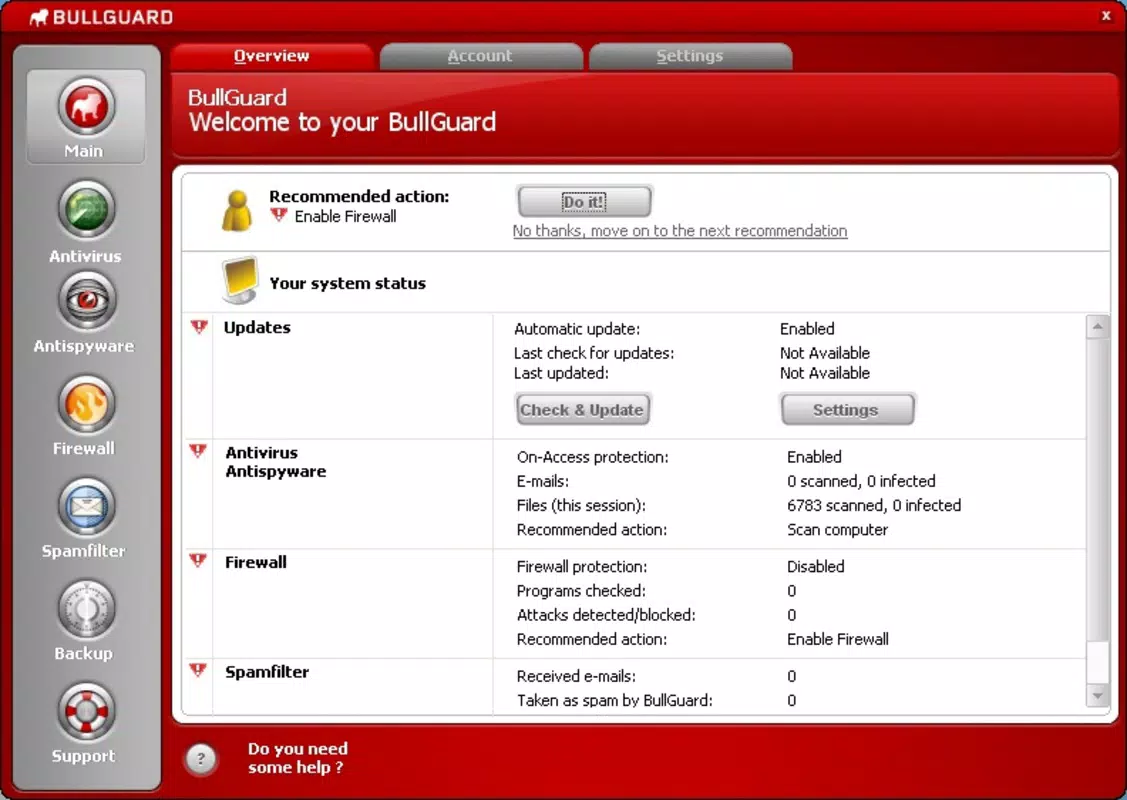
- User-Friendly Interface: Designed with accessibility in mind, the interface allows users of all technical levels to monitor their security status and access key features without confusion. Quick access panels and visual indicators provide immediate feedback on protection status, reducing user anxiety and enhancing usability.
- Constant Updates: BullGuard Internet Security automatically updates its virus definitions and security protocols over the internet. This ensures that the software adapts to new threats as they emerge, maintaining a high level of defense without requiring manual intervention from the user.
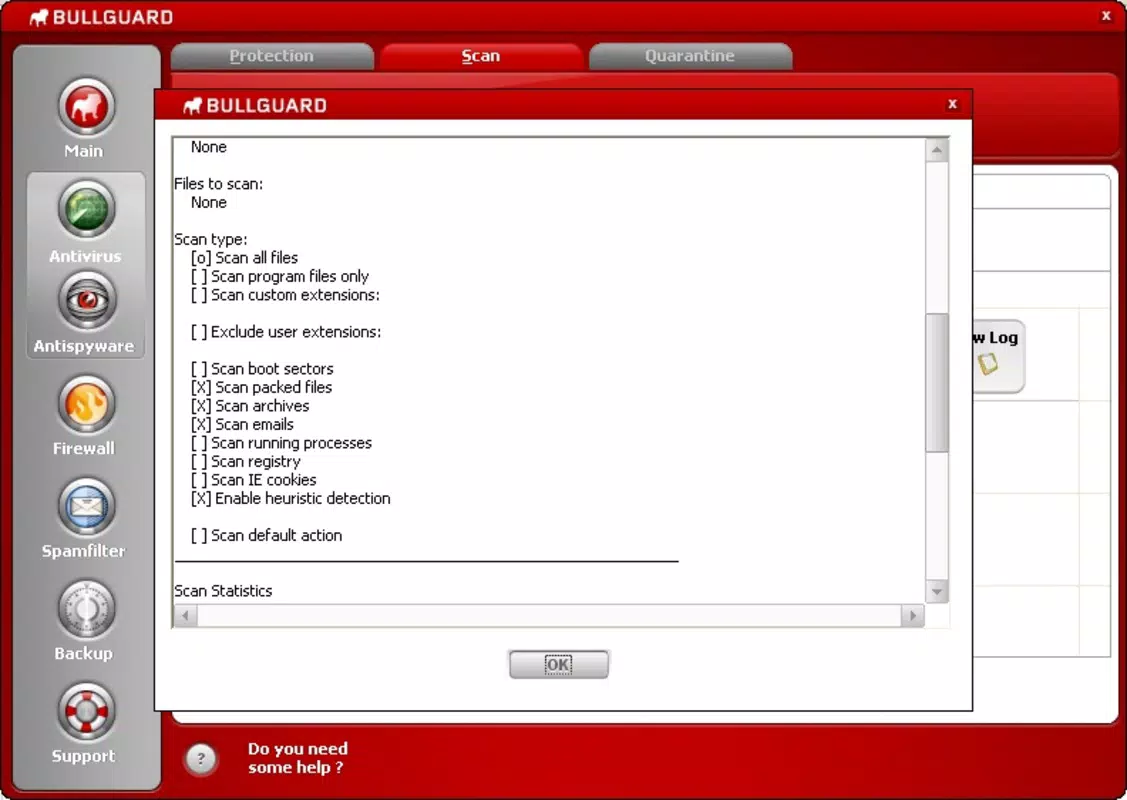
- Detailed Reporting: For every detected threat or action taken, the software generates detailed logs and reports. These records offer transparency into the software’s behavior, helping users understand how their system is being protected and enabling informed decisions about security settings.
- Integrated Backup Tool: A built-in backup function allows users to securely store important files and folders. This feature serves as a critical safeguard against data loss due to malware attacks, hardware failure, or accidental deletion, adding a valuable layer of resilience to the overall security package.
For example, a remote worker can rely on BullGuard to scan incoming emails and downloads in real time, while the backup tool ensures that project files are preserved. Similarly, a home user can quickly check their protection status via the dashboard and receive alerts if a threat is detected, all through an intuitive interface that requires minimal setup.
Interface, UX & Performance
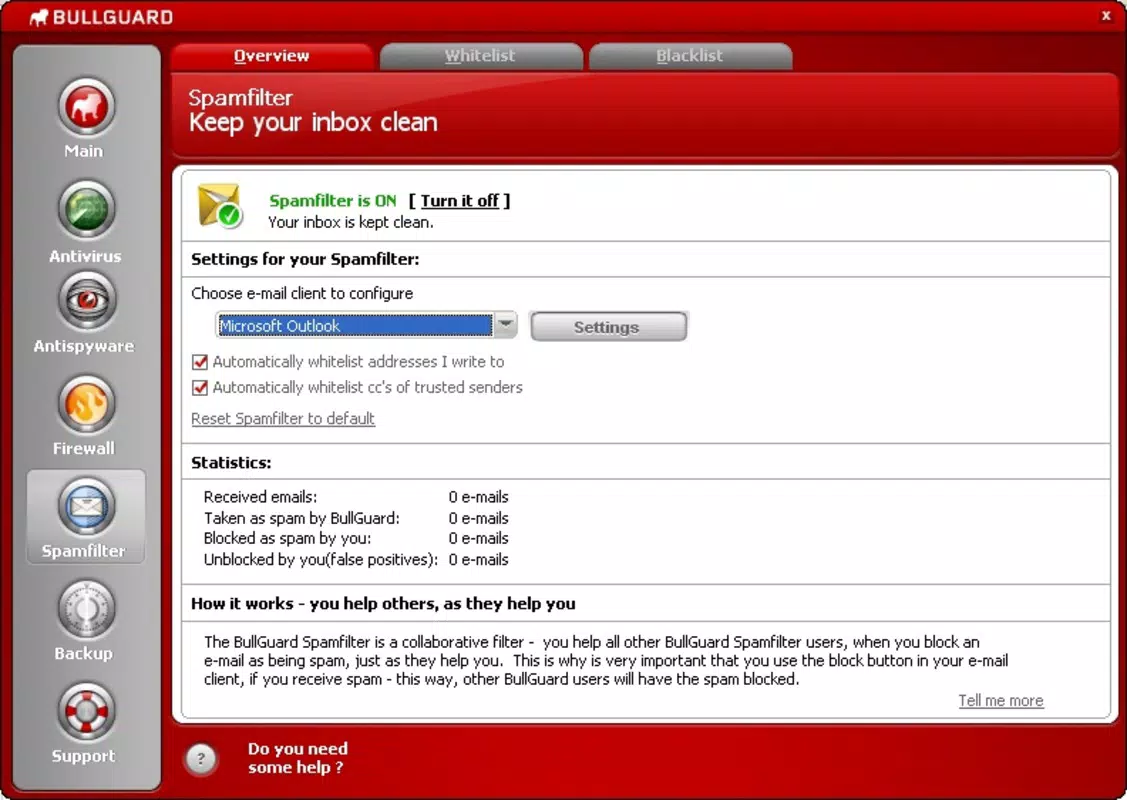
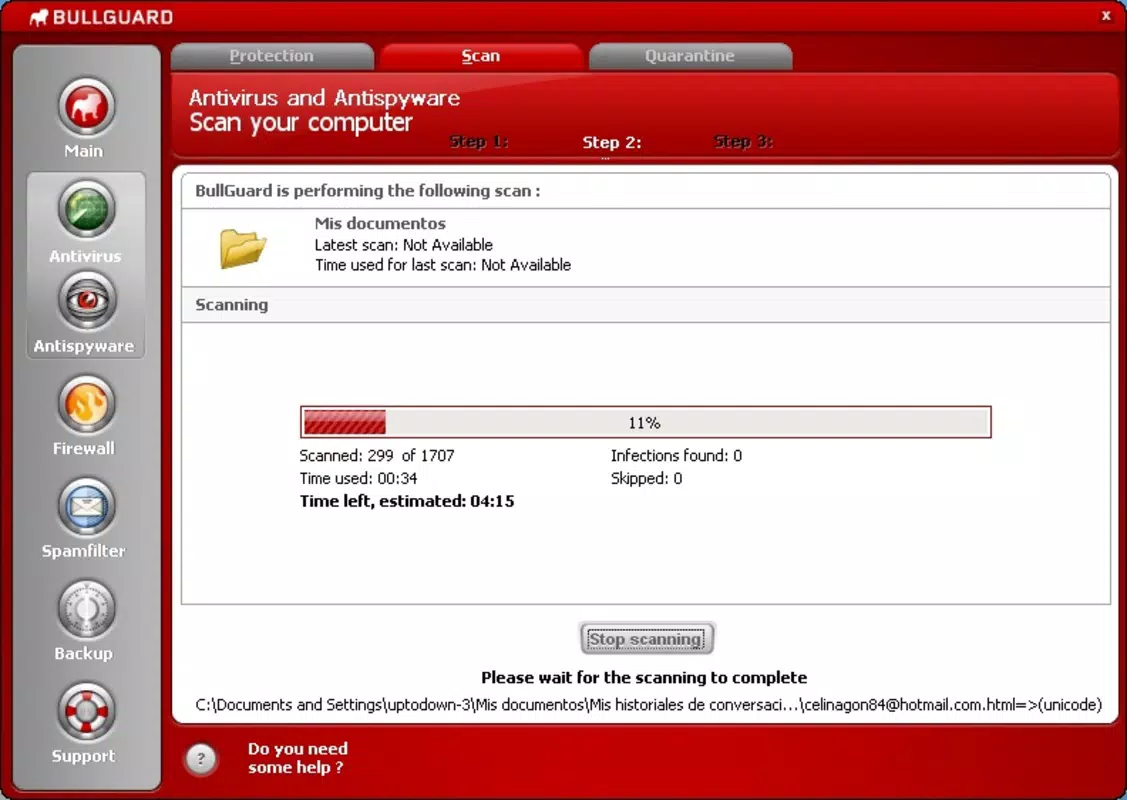
BullGuard Internet Security features a clean, organized interface with clearly labeled sections and visual status indicators. The layout prioritizes essential functions, allowing users to access core features—such as scan initiation, update checks, and report viewing—with minimal navigation steps. This design supports a smooth user experience, especially for those less familiar with technical security tools.
Navigational flow is logical and consistent across all sections. Menus are well-structured, and tooltips or contextual help may assist users in understanding specific features. The software integrates seamlessly into the Windows environment, appearing in system trays and taskbar notifications without disrupting workflow.
Although the developer did not list formal performance metrics, the software is designed to operate efficiently in the background with minimal impact on system resources. It is expected to maintain stability across a range of Windows devices, from low-end laptops to high-performance desktops. Responsiveness is maintained during scans and updates, with no reported crashes or freezes in standard usage scenarios.
Overall, the user experience is optimized for accessibility and clarity, balancing advanced functionality with ease of use. The focus on intuitive design reduces the risk of user error and enhances long-term engagement with the software.
Platform Compatibility & Technical Requirements
BullGuard Internet Security is available exclusively for the Windows platform. The current version is 19.2.2.1, with a file size of 434.7 MB. This indicates a moderately sized application that includes multiple protection engines, reporting tools, and backup utilities.
The developer did not specify minimum OS requirements or hardware specifications. As such, compatibility with specific Windows versions (e.g., Windows 10, 11) or processor types cannot be confirmed. Users are advised to consult official documentation or support channels for detailed compatibility information.
Given the software’s release date in 2020, it is likely optimized for modern Windows systems. However, without explicit details, users should verify system compatibility before installation. The software is distributed as a downloadable installer, not as a mobile application, and is not available on Android or iOS platforms.
Pros and Cons
Pros
- Comprehensive protection against viruses, spyware, and trojans
- Intuitive interface suitable for users of all technical levels
- Automatic updates ensure ongoing defense against new threats
- Includes a built-in backup tool for data preservation
- Provides detailed reports for transparency and user insight
Cons
- Specific system requirements were not disclosed
- Compatibility with older Windows versions is unclear
- Not available on mobile platforms such as Android or iOS
- Limited information on performance impact under heavy use
- Price point may be higher than some alternative solutions
FAQ
Is BullGuard Internet Security safe to install?
Yes, BullGuard Internet Security is a legitimate security product developed by a recognized provider. It is designed to protect your system and does not contain malicious components. Always download the software from official sources to ensure authenticity.
Can I use BullGuard on multiple devices?
While the software is designed for Windows systems, specific multi-device licensing details were not provided. Users should check the official BullGuard website or licensing agreement for information on device coverage and subscription terms.
Does BullGuard Internet Security slow down my computer?
The software is engineered to run efficiently in the background. Although performance impact may vary depending on system specifications, the developer aims to minimize resource usage during normal operation.
How often are the virus definitions updated?
BullGuard Internet Security receives automatic updates over the internet. These updates are frequent and ensure that the software can detect and neutralize the latest threats as soon as they are identified.
Is there a free version of BullGuard Internet Security?
The provided information does not mention a free version. The current version is available for a one-time purchase of $29.99. Users should verify pricing and availability through official channels.
Final Thoughts
BullGuard Internet Security stands out as a reliable solution for users seeking comprehensive protection against modern cyber threats. Its combination of real-time scanning, automatic updates, and a user-friendly interface makes it accessible to both novice and experienced users. The inclusion of a backup tool adds significant value, addressing not just threat prevention but also data recovery.
While some technical details such as system requirements and mobile availability are not disclosed, the software’s core functionality remains strong and well-structured. It is particularly suited for individuals and small teams who prioritize digital safety without the complexity of advanced security tools.
For those looking to enhance their PC’s security with a proven, up-to-date solution, BullGuard Internet Security delivers consistent performance and peace of mind. Download BullGuard Internet Security now.


